Article · 7 min read
Playing Browser Games on Your Phone: A Practical Guide
How to get browser games running well on a phone: orientation, fullscreen, battery and heat, sound, first-load size, touch controls and home screen shortcuts.

Published 29 September 2026 · How we write guides
A browser game on a phone needs no install, no account and no app store. You open a page and play. That convenience comes with a few quirks: the browser's own toolbars take up space, the first load has to download the game, and a phone gets warm faster than a laptop. None of these are hard to handle once you know what is going on. This guide covers the practical side of playing browser games on a phone, using games from this site as examples.
Upright or sideways?
Every game on this site works on a touch screen, but they are not all shaped the same way.
Most are built to fit either orientation. Nightrun, for example, shows the same length of road ahead whether you hold the phone upright or sideways, so you get the same warning either way. Swarm Dodge fits its arena to the screen in both orientations. Gem Cascade stacks its goal above the board and the boosters below it on an upright phone. Lane Defense turns its board sideways on an upright phone so the lanes fill the screen.
A few games are designed for landscape only: Nightfall: Survivors, Routefront and Run and Gun. Their controls sit under both thumbs, which works best with the phone held sideways.
Some games change slightly with the screen. Hold the Gate gives a phone three lanes, and a landscape screen at least 600 pixels tall gets four.
A practical tip: if a game looks cramped, try turning the phone before assuming it is broken. If the screen does not rotate at all, check that your phone's rotation lock is off.
Getting more screen: fullscreen and toolbars
Mobile browsers show an address bar and toolbar that take up part of the screen. How much you can hide them depends on the browser and phone:
- On many Android browsers, a page can ask to go fullscreen after you tap, which hides the toolbars entirely.
- On iPhone, Safari does not offer true fullscreen for ordinary web pages. The toolbars shrink when you scroll, and in landscape they take up less room.
- Adding a site to your home screen can give it more room when launched from there, depending on how the site is set up.
If a game has a fullscreen button, use it. If it does not, landscape orientation usually gives the most usable space.
Battery and heat
Games are some of the most demanding things a phone does. Anything with moving 3D graphics, or hundreds of sprites on screen, keeps the processor and graphics chip busy. Two things follow.
Battery drains faster. A long session of an action game will use noticeably more battery than browsing. Puzzle games with little animation use much less.
Phones get warm, then slow down. When a phone heats up, it reduces its own speed to protect itself. In a game, that shows up as a lower frame rate or stutter after a while, even if the game ran smoothly at first.
A few habits help:
- Close other browser tabs, especially ones playing video.
- Lower screen brightness a little; the screen is a large share of power use.
- Avoid playing heavy games while the phone is charging, because charging adds its own heat.
- Take the phone out of a thick case if it gets hot during long sessions.
- Be aware that battery saver or low power modes may limit how smoothly games animate. That is normal, not a fault.
If a game starts to stutter after twenty minutes, a short break to let the phone cool usually fixes it.
Sound
Browsers do not let pages play sound until you interact with them, usually by tapping. That is why a game can be silent until your first touch, and why some games show a "tap to start" screen.
On iPhone, the ring/silent switch can also affect whether web games make sound, so if a game is silent, check it along with the volume buttons. Most games on this site have their own sound or mute toggle, so you can play quietly in public without muting the whole phone.
The first load, and why the second one is faster
A browser game has to download before it can run. Small 2D games may be a few megabytes. Larger 3D games are bigger: on this site, Survivors Arena and Snake Arena are about 15 MB the first time, Merge Workshop about 14 MB and Lane Defense about 18 MB.
After that first visit, the browser keeps a copy in its cache, so later visits start faster and use less data. A few things can make a game download again:
- Clearing your browser's cache or site data.
- The game being updated, which replaces the cached files.
- The browser removing old cached files when the phone is low on storage.
Practical tips:
- Open a large game on Wi-Fi the first time if your mobile data is limited.
- Wait for the loading bar to finish rather than reloading; a reload part-way through can start the download again.
- If a game loads unusually slowly every time, check that your phone has free storage.
Touch controls
Touch controls are not keyboard controls with buttons painted on. Good mobile games design around your thumbs, and a little understanding helps you use them well.
Floating sticks
Many action games use a joystick that appears wherever your thumb lands, rather than in a fixed spot. In Survivors Arena, a joystick appears wherever your thumb lands on the left or lower part of the screen. Put your thumb down where it is comfortable and drag; you do not need to aim for a particular spot.
Drag to a point
Some games move your character toward your finger instead. In Swarm Dodge, your character walks toward wherever you drag, so your thumb never covers it. Keeping your finger slightly ahead of the character, rather than on top of it, gives you a clearer view.
Split-screen taps
Games with two directions often split the screen. In Nightrun, tapping the left half moves one lane left and the right half moves right. You can use both thumbs for speed.
Dedicated pads
Games with several actions put them under different thumbs. In Facet Circuit, steering pads sit under your left thumb and a brake pad under your right, with the throttle handled automatically. Nightfall: Survivors puts a movement stick on one side and NOVA and DASH buttons on the other.
Taps that forgive you
Well-built touch games leave some slack for imprecise fingers. Hop Tower keeps a tap made up to 0.12 seconds before the knight lands and spends it on the landing. Gem Cascade accepts either a drag or a tap on one piece and then the other.
A general tip: if your thumbs slip or double-tap by accident, clean the screen and dry your hands. Many "missed taps" are a greasy screen.
Pausing and interruptions
Phones are full of interruptions: calls, notifications, a switch to another app. Browsers slow down or pause pages you are not looking at to save battery. Some games go further and pause themselves: Nightfall: Survivors pauses when you switch tabs or the window loses focus, and Routefront stops when its tab is hidden.
Not every game resumes where you left off after a long break. If the browser has to free memory, it may reload the page when you return, which ends a run in progress. For long sessions, finish a level before switching apps.
Add a game to your home screen
You can make a shortcut to a browser game so it sits on your home screen like an app:
- On iPhone or iPad in Safari: tap the Share button, then choose Add to Home Screen.
- On Android in Chrome: open the menu and choose Add to Home screen or Install app, whichever appears.
The shortcut opens the page directly. It does not download the game ahead of time, and it does not change how saves work. On iPhone, a home screen shortcut may keep its own storage separate from Safari, so progress saved in one might not appear in the other. Pick one way to open a game and stick with it.
A quick checklist
- Turn the phone if a game looks cramped.
- Load big games on Wi-Fi the first time.
- Tap once to wake up sound.
- Close other tabs and lower brightness for long sessions.
- Let a hot phone cool before blaming the game.
- Finish a level before switching apps.
A phone browser is a perfectly good place to play. A little setup makes the difference between a game that feels awkward and one that feels made for your hands.
Games in this article
 Survivors ArenaTwenty minutes. One arena. Everything wants you.
 Lane DefenseHold the lanes. Leak nothing.
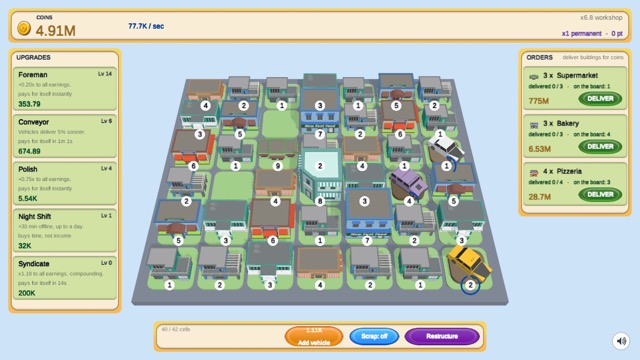 Merge WorkshopMerge a cottage into a stadium.
 Snake ArenaGrow long. Don't bump heads.
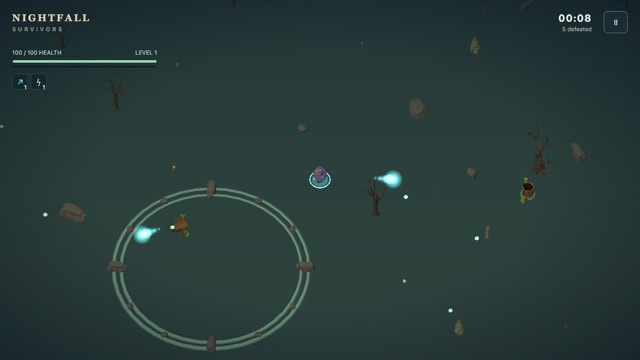 Nightfall: SurvivorsSurvive the haunted clearing until dawn.
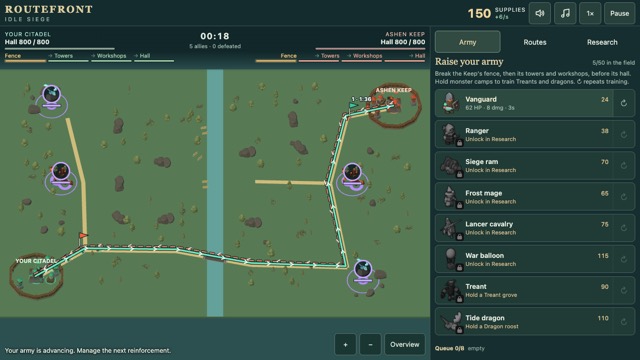 RoutefrontOpen the shortest road to the enemy keep.
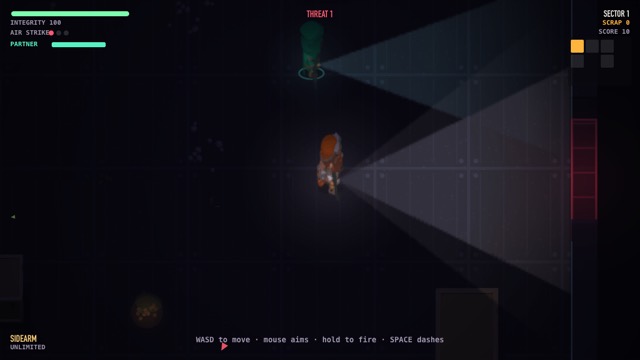 Run and GunClear the room. Shoot the door open. Take what was behind it.
 Swarm DodgeYou move. That is the only thing you can do.
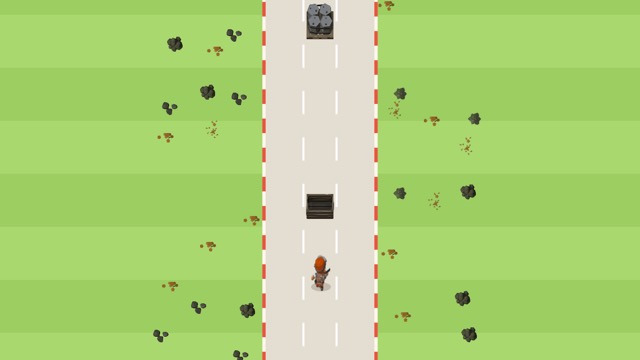 NightrunThree lanes. Change lane. That is all.
 Hold the GateTap a lane.
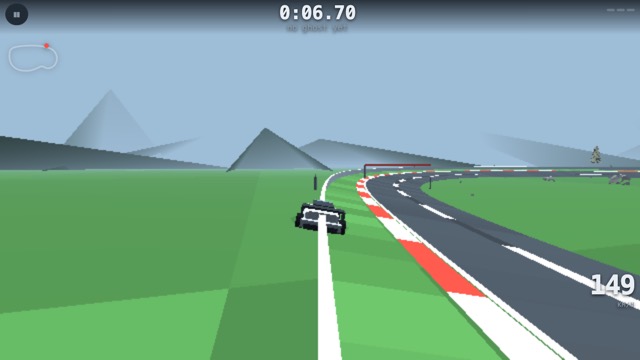 Facet CircuitOne flying lap, and the corner you know you got wrong.
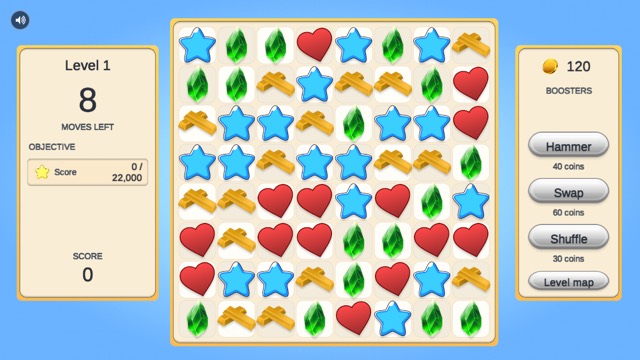 Gem CascadeMatch three, build specials, clear the board.
 Hop TowerTap to jump. Climb before the spikes catch up.