Article · 7 min read
Why Browser Game Progress Disappears, and How to Keep It
Browser games save progress inside your browser, not on a server. Where saves live, what quietly clears them, and simple habits that keep your progress safe.

Published 29 September 2026 · How we write guides
You come back to a browser game after a week and your levels, coins and best scores are gone. Nothing crashed and nobody deleted your account; there was no account. Most free browser games save your progress inside your browser, on your device, and several ordinary things can wipe that storage without warning. Once you know where saves live and what clears them, losing progress becomes rare. This guide explains how it works, using games from this site as examples.
Where a browser game keeps your save
A downloaded app stores its data in its own folder on your device. A browser game does not have a folder. Instead, it uses storage that the browser provides to each website. The two common kinds are:
- Local storage (localStorage). A simple store of text keys and values. It is small, typically a few megabytes per site, which is plenty for scores, settings and level progress. Many games use it for exactly that.
- IndexedDB. A larger, database-like store that can hold more structured data. Bigger games, especially 3D games built with game engines, often keep their saves here.
Both work the same way from your point of view. The data belongs to one website on one browser on one device. It is not uploaded anywhere unless the game has an account system that syncs it, and most free browser games do not.
That is why the save descriptions for this site's games say "in this browser". Prism Sort keeps your level, coins, fewest pours per level, settings and even the board you left mid-level. Wordfall keeps your best scores, lifetime counts and daily streak. Facet Circuit keeps your coins, unlocked circuits, and for each circuit your best lap, its sector splits and its ghost. All of that sits in your browser's storage.
Some games save very little, on purpose
Not every game saves everything. Hop Tower and Swarm Dodge keep only your best score. Nightfall: Survivors saves nothing between runs, and Routefront remembers only your sound and music settings. Emberdeck keeps your deck and the opponents you have beaten only while the page is open; reloading returns you to the starter deck. These are design choices: in a game built around short, fresh runs, there is not much to lose.
If you are unsure what a game saves, check its guide or FAQ before investing hours in it.
What clears browser storage
Here are the common causes, roughly from most to least frequent.
1. Private or incognito windows
A private window is designed to forget. Browsers give it a temporary storage area that is thrown away when you close the private session. A game will often appear to save normally while you play, and then everything is gone next time. If you want progress to last, do not play in a private window.
2. Clearing browsing data
When you clear "cookies and site data" in your browser settings, the browser deletes local storage and IndexedDB along with cookies. Clearing only the cache usually leaves saves alone, but the options differ between browsers and are easy to tick by accident. Some privacy tools and "phone cleaner" apps also clear site data automatically.
Browsers let you clear data for one site at a time. If you need to tidy up, clear the sites you do not care about rather than everything.
3. A different browser, profile or device
Saves do not follow you. Each browser keeps its own storage, so progress made in Chrome is not visible in Firefox or Safari on the same computer. Separate browser profiles are separate too. Progress on your laptop does not appear on your phone.
Browser sync features copy things like bookmarks and passwords, not website storage. Signing in to your browser on a second device will not bring game saves with it.
4. A different web address
Storage belongs to the exact origin: the combination of protocol, domain and port. The same game opened from a different address, such as another domain or a different subdomain, is treated as a different site with empty storage. Always open a game from the same address you normally use.
5. Home screen shortcuts on iPhone
On iPhone and iPad, a website added to the home screen and opened from there keeps its own storage, separate from Safari. Progress made in Safari may not be visible from the home screen icon, and the reverse. Neither save is lost; they are just in two places. Choose one way to open the game and keep to it.
6. Safari's limit on unvisited sites
Safari on iPhone, iPad and Mac has a privacy feature that can delete storage created by a website's scripts if you have not interacted with that site for seven days of browser use. It is meant to stop tracking, but it also affects game saves. If you play a game in Safari every day, you will not notice it. If you step away for a couple of weeks, you may return to an empty save. Websites added to the home screen are treated differently and are not subject to this seven-day rule in the same way.
7. Low storage on the device
Browser storage is usually "best effort". When the device runs low on space, the browser is allowed to remove data from sites, typically starting with the ones used least recently. On a phone that is nearly full, older game saves can be removed to make room.
Some sites can ask the browser to mark their storage as persistent, which protects it from this kind of automatic removal. Whether that is granted depends on the browser, and you cannot count on it.
8. The game itself resets your data
Occasionally a game has to change how it saves after an update, and older saves may not carry over. Games may also have their own reset option. Prism Sort and Facet Circuit both have an Erase progress button, so take care not to tap it by mistake.
How to keep your progress
None of these risks are dramatic, and a few habits cover almost all of them.
- Play in a normal window, never a private one, for games you care about.
- Use one browser on one device for each game you are progressing in.
- Open the game from the same address, ideally from a bookmark.
- Be careful with "clear browsing data". Untick cookies and site data if you only want to clear the cache, or clear specific sites instead.
- On iPhone, pick Safari or the home screen icon, not both.
- In Safari, play at least once a week if you want saves to survive, or use a home screen shortcut.
- Keep some free space on your phone so the browser is not under pressure to remove site data.
- Check what the game saves before assuming your run is kept. A run in progress is often not saved, even in games that keep scores. Wordfall and Sumspill, for example, keep your records but not a run you leave part-way.
What you cannot recover
If browser storage has been cleared, there is no copy to restore. The website never had one. Recovering a save would need a backup of your whole browser profile, which most people do not have. It is better to accept that browser game progress is local and fragile, and to treat it the way you would treat a save on a handheld console: safe as long as you look after that one device.
Why browser games work this way
It can seem like an oversight that free browser games do not store saves on a server. There are good reasons they usually do not. Storing progress locally means no account, no email address and no password; nothing about you leaves your device. It also means the game works on a poor connection once it has loaded, and there is no server to go down. The trade-off is that your save lives where you play.
Quick answers
Why did my progress vanish after I closed the browser? You were probably in a private window, or your browser is set to clear site data on exit.
Why can I not see my progress on my phone? Saves stay on the device and browser where they were made.
Will clearing my cache delete my saves? Usually not, as long as you do not also clear cookies and site data.
Why did my Safari save disappear after a holiday? Safari can remove script-created storage for sites you have not used in seven days of browsing.
Knowing these rules makes browser games much more predictable. Your progress is safe as long as you keep playing in the same place.
Games in this article
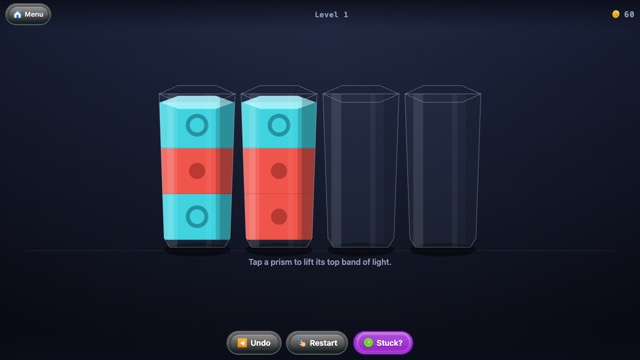 Prism SortPour the light until every prism holds one colour.
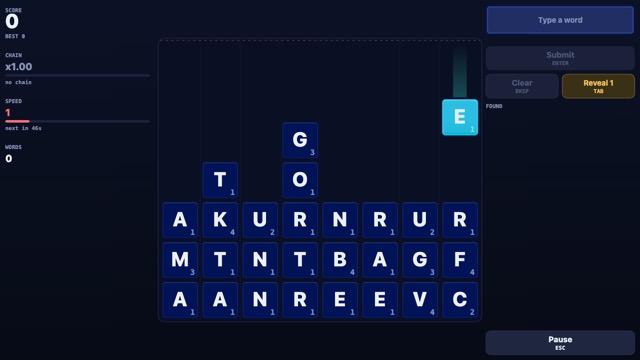 WordfallLetters fall. Spell them out before the well fills.
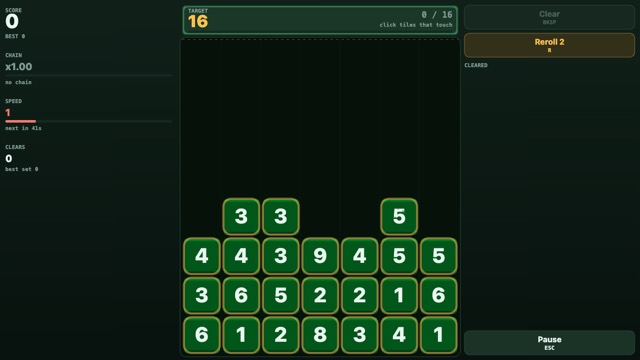 SumspillPick tiles that touch and add up to the target.
 Facet CircuitOne flying lap, and the corner you know you got wrong.
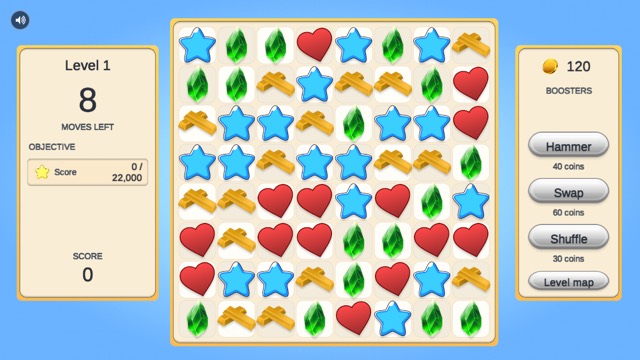 Gem CascadeMatch three, build specials, clear the board.
 Survivors ArenaTwenty minutes. One arena. Everything wants you.
 Swarm DodgeYou move. That is the only thing you can do.
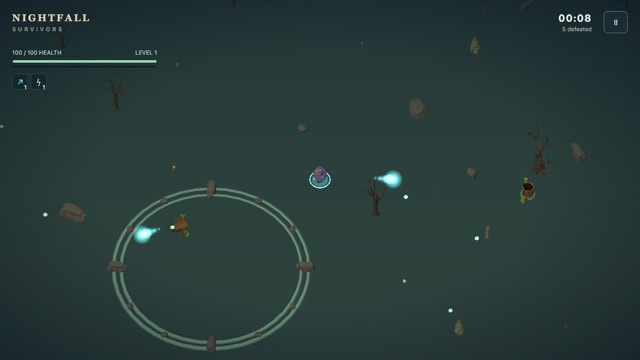 Nightfall: SurvivorsSurvive the haunted clearing until dawn.
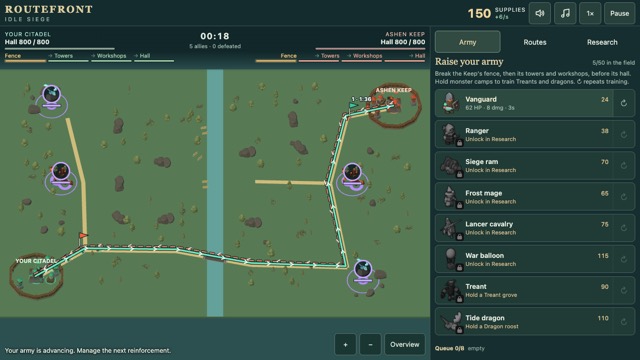 RoutefrontOpen the shortest road to the enemy keep.
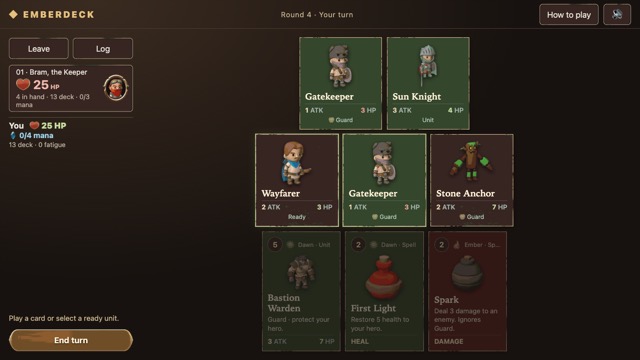 EmberdeckTwenty cards, three opponents, no packs to buy.
 Hop TowerTap to jump. Climb before the spikes catch up.